How to Check Your Digital Footprint
This guide covers the checks you can run yourself, using Google’s own help pages and the US Federal Trade Commission’s advice, and then what NordVPN says its Digital footprint feature does. This page is not a ranking: it describes NordVPN’s feature from NordVPN’s own pages.
What is a digital footprint?
Your digital footprint is the trail of information about you that exists online. Some of it you leave on purpose, such as social media profiles, reviews, posts and the accounts you sign up for. Some of it you leave without noticing, such as the activity a service saves while you use it. And some of it is put together by other people, such as search results that mention you, or data leaked when a company you use is breached.
A large part of it sits with data brokers. The FTC says “People search sites are a type of data broker.” It explains that these sites collect personal information from a variety of sources, put it together into a report about you, and sell those reports to anyone willing to pay for them.
As described by the US Federal Trade Commission (FTC) (consumer.ftc.gov/articles/what-know-about-people-search-sites-sell-your-information), read on .
How can you check your digital footprint yourself?
You do not need a paid tool to get a good picture. The four checks below use a search engine, your Google Account and the people search sites themselves.
How do you see what Google Search shows about you?
Start with a plain search for your full name, then your name with your city, your email address and your phone number. Note the results that show personal details you would rather keep private.
Google has a tool for this called Results about you. Google says Results about you lets you find out whether your personal info, such as your home address, phone number or email address, shows up in search results.
- Sign in to your Google Account and open Results about you from Google’s help page cited below.
- Enter the contact details you want Google to look for, such as your home address, phone number and email address.
- Review the results Google finds, and ask Google to remove the ones that show your personal info.
- Leave notifications on. Google says you get a new notification when it finds new results that match your personal info.
Keep in mind what removal does. Google says that when you remove a result that shows your personal info from Google Search, “it doesn’t mean that the info is gone from the internet.” Google adds that the info still exists on the source web page, and that to remove it from there you contact the website’s owner.
Steps as described by Google Search Help (support.google.com/websearch/answer/12719076), read on .
How do you find people search sites that list you?
The FTC explains that you can opt out of people search sites, and that you can do it yourself, one site at a time and for free, or pay a service to opt out for you.
- Search for your name, with your city or state, and look for people search sites in the results.
- On each site that lists you, find its opt-out page and follow the steps it asks for.
- Move on to the next site. Each site handles its own opt-out, so one request does not cover the others.
- Check again later. The FTC advises you to check the people search sites periodically.
The FTC also warns that opting out of people search sites does not delete your information from public records, so the same details can show up again on a site you already opted out of.
Steps as described by the US Federal Trade Commission (FTC) (consumer.ftc.gov/articles/what-know-about-people-search-sites-sell-your-information), read on .
How do you see the activity Google has saved?
Part of your footprint is not public at all: it is the activity a service keeps about you. Google says you can find and delete your activity in the My Activity section of your account. Google also says you can stop it from saving most of your activity at any time.
As described by Google Account Help (support.google.com/accounts/answer/465), read on .
How do you check whether your passwords were exposed?
A leaked password can let someone else sign in to your accounts. Google says you can check whether the passwords in your Google Account are exposed, weak or used in multiple accounts. Google calls this check Password Checkup. Change any password it flags as exposed.
As described by Google Account Help (support.google.com/accounts/answer/9457609), read on .
How does NordVPN’s Digital footprint check work?
Digital footprint is a feature inside NordVPN’s Dark Web Monitor. NordVPN says it puts public information and leaked data together in one detailed report about one email address. The facts in this section come from NordVPN’s own pages; the screenshots are the author’s own.
-
Open the NordVPN app and go to the Monitor tab, or open Monitor in your Nord Account. NordVPN says the feature is in the latest versions of its apps.
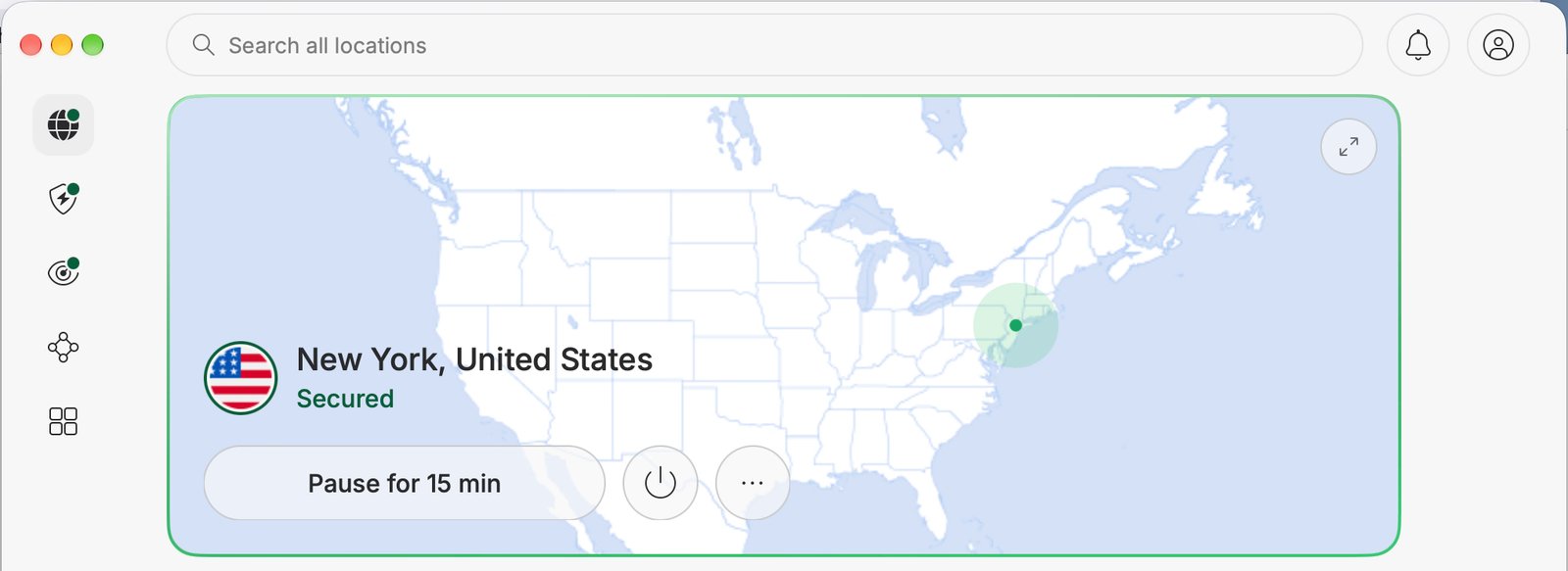
The NordVPN app on a Mac while connected. -
Choose Digital footprint and pick an email address that Dark Web Monitor already watches. The report is built in the background, and the page says you can leave it while you wait.
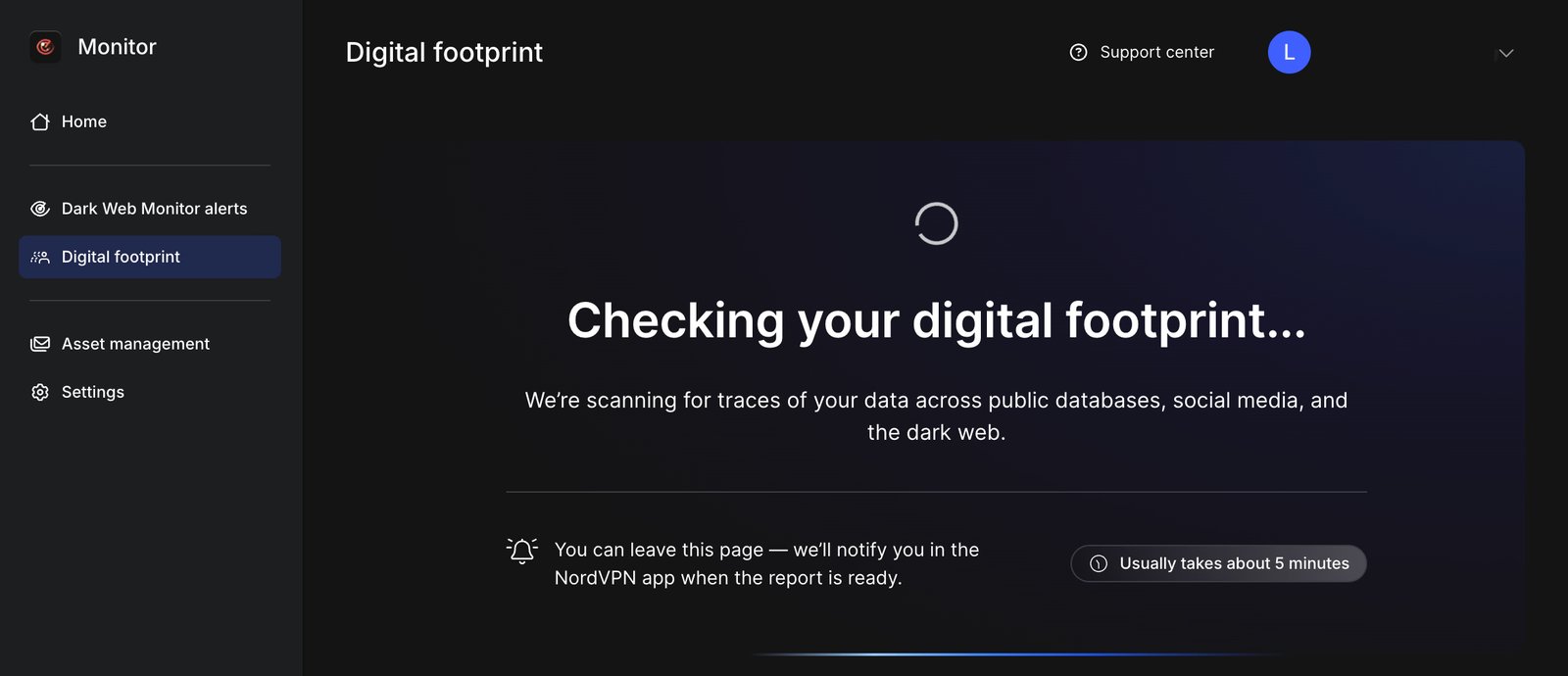
The Digital footprint page while the report is being prepared. -
Read the report summary: a privacy risk score, a short summary and a list of key exposures for that address. NordVPN says a lower score means less of your personal information is exposed online.
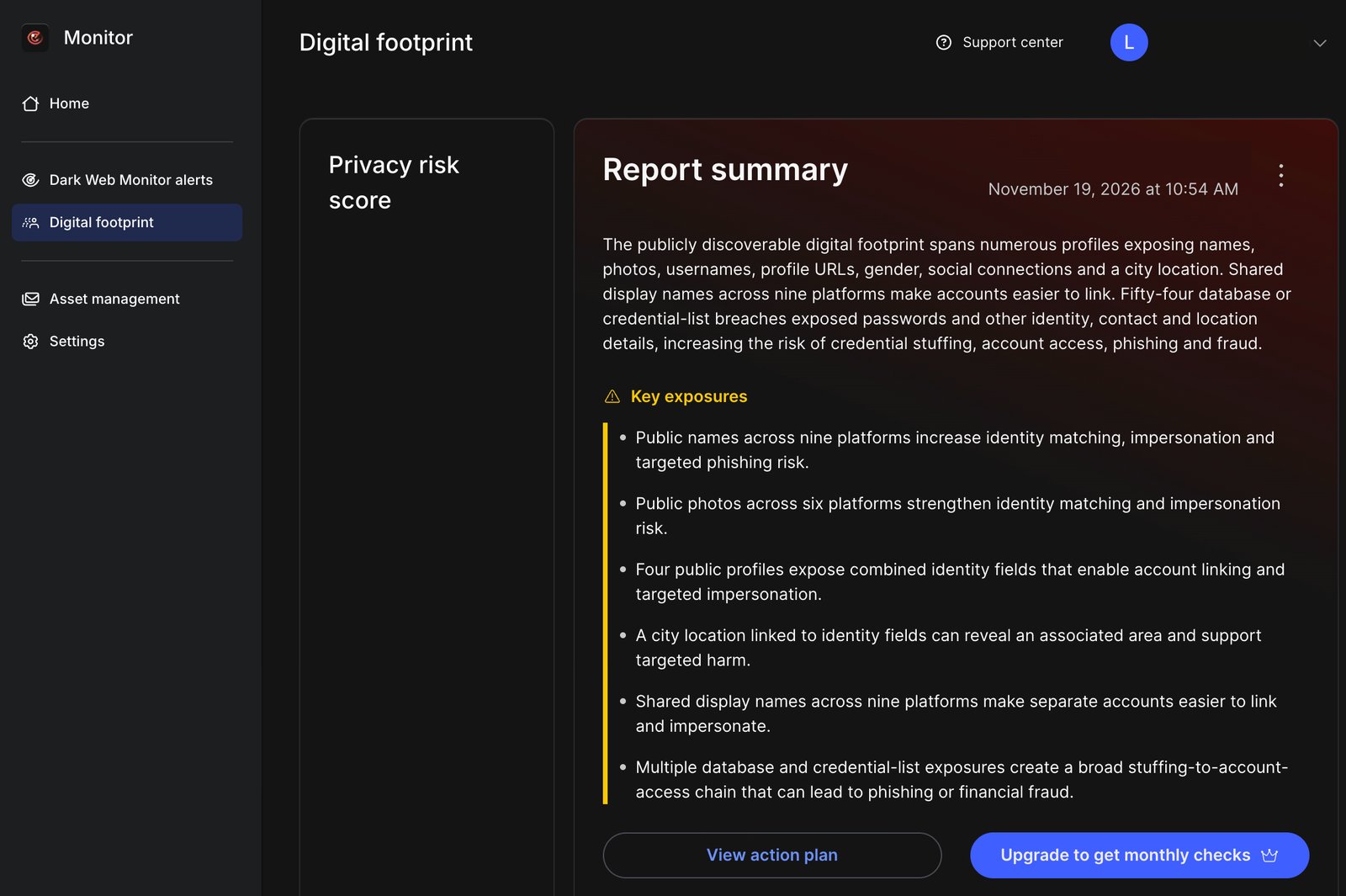
The report summary. The score gauge, the account name and the email address are hidden. -
Open the action plan. NordVPN says the tool gives you step-by-step instructions for making your digital footprint smaller.
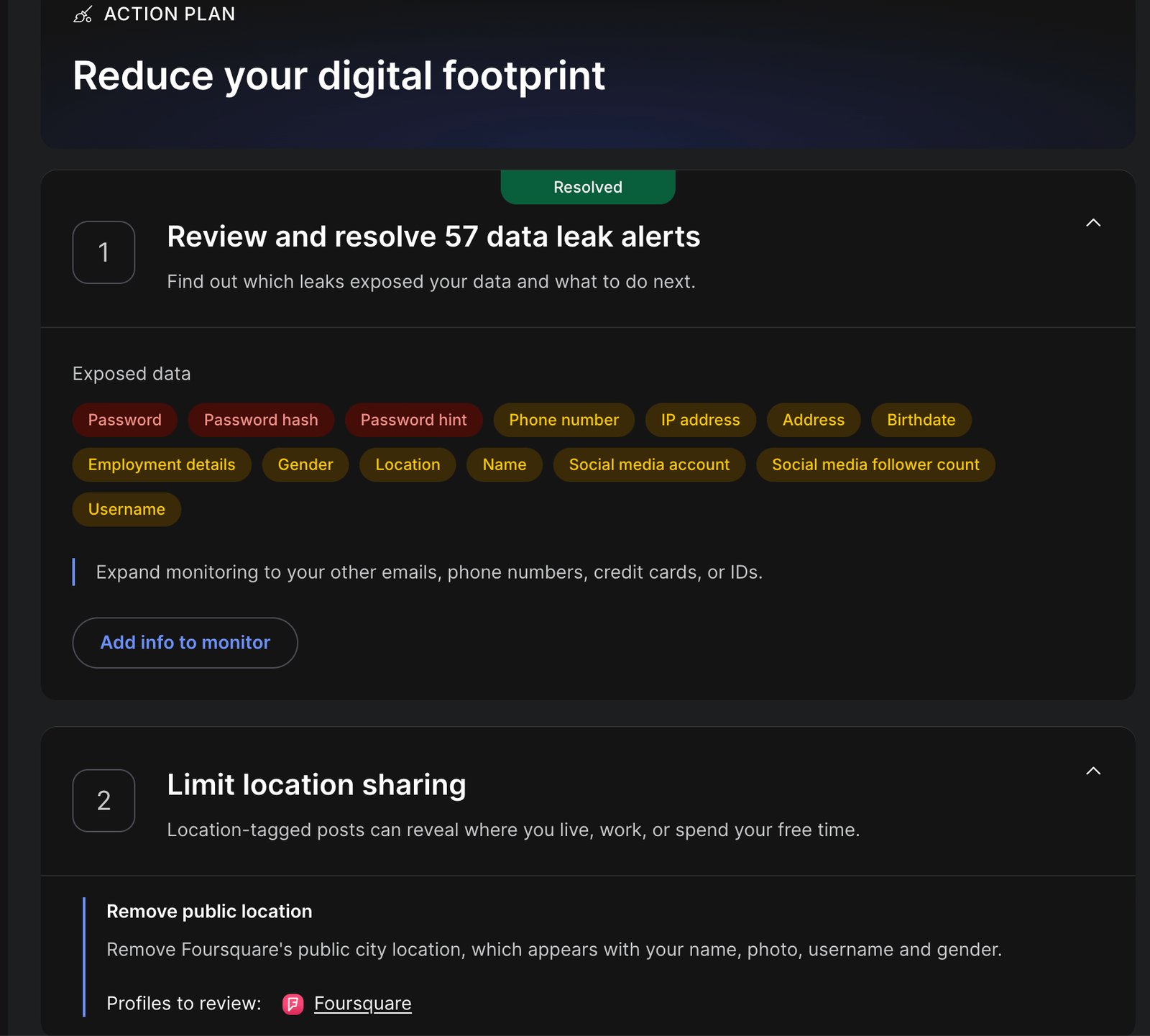
The action plan, with the types of exposed data and the steps to take.
The pages cited here do not say the tool removes anything for you: you follow the steps yourself. Keep the limits in mind. The check looks at one email address at a time, not at everything that is online about you. The report and its score are NordVPN’s own assessment.
What does the report include?
The report the author generated had these parts, in this order:
- A privacy risk score, with a risk level.
- A report summary and a list of key exposures.
- The accounts and profiles found for the email address, sorted by category, with when each was created and last active where known.
- Recent activity, and an exposure timeline that shows when and where data was leaked.
- A location map of public activity that could reveal where you are.
- An action plan: review data leak alerts, limit location sharing, limit what your public profiles reveal, restrict app permissions and block web trackers.
The report page also says the summary, the score and the recommendations are generated with AI, and warns that “AI isn’t perfect and can make mistakes, so results may not always be accurate.” Treat the score as a rough guide, and check the profiles it lists yourself.
As described by NordVPN Help Center (support.nordvpn.com/hc/en-us/articles/52900643167633-What-is-the-Digital-footprint-feature), read on .
As described by NordVPN (nordvpn.com/features/digital-footprint/), read on .
Which NordVPN plans include it?
NordVPN says Digital footprint is “available to Dark Web Monitor Pro™ users with Complete and higher-tier plans.” Users on the Basic plan can try the feature once. On an eligible plan, you can run a new check once a month to see how your digital footprint has changed.
For NordVPN’s plans, features and prices, see our NordVPN review.
As described by NordVPN Help Center (support.nordvpn.com/hc/en-us/articles/52900643167633-What-is-the-Digital-footprint-feature), read on .
How does checking yourself compare with NordVPN’s Digital footprint?
The table puts the checks above next to NordVPN’s feature, as each source describes them. The order follows this guide, not a ranking.
| Checking yourself | NordVPN’s Digital footprint | |
|---|---|---|
| What you need | A search engine; a Google Account for Results about you, My Activity and Password Checkup | A NordVPN account and an email address that Dark Web Monitor already watches |
| How often you can check | Whenever you like; Google says Results about you can notify you when new results appear | Once a month on eligible plans; Basic plan users can try it once |
| Does it remove data for you? | No. You send removal and opt-out requests yourself, and Google says a removed result can still be on the source page | NordVPN says the report gives step-by-step instructions; the pages cited do not say it removes anything for you |
| Paid plan needed? | The FTC says you can opt out of people search sites yourself for free | Yes: NordVPN says Complete and higher-tier plans, with a one-time try on Basic |
Can you erase your digital footprint?
Not completely. NordVPN’s own answer is no: it says it is “nearly impossible to completely delete your digital footprint.” The other sources point the same way. Google says a removed search result can still be on the internet, and the FTC says opting out of people search sites does not delete your information from public records.
What you can do is make it smaller and keep it from growing:
- Ask Google to remove results that show your contact details, and keep Results about you notifications on.
- Opt out of people search sites, and check them again from time to time.
- Delete saved activity you do not need in My Activity.
- Change exposed passwords, and close accounts you no longer use.
FAQ
What is the difference between a digital footprint and a data breach?
A data breach is one event: a company loses data it held about its users. Your digital footprint is everything about you that can be found online, and data leaked in breaches is one part of it, next to your accounts, posts, search results and data broker records.
Can a VPN reduce your digital footprint?
A VPN changes the IP address that websites see while it is on, so the sites you visit see the VPN server’s address instead of yours. It does not delete your accounts, your posts, search results about you or what data brokers hold.
How often should you check your digital footprint?
There is no fixed rule. The FTC advises you to periodically check the people search sites, and Google’s Results about you can notify you when new results about you appear. On eligible plans, NordVPN’s Digital footprint lets you run a new check once a month.
Does removing a Google result delete the information?
No. Google says removing a result from Google Search does not mean the information is gone from the internet. To remove it from the page itself, you have to contact the site that publishes it.
Do you need a paid tool to check your digital footprint?
No. The FTC says you can opt out of people search sites yourself for free, and the Google tools above come with a Google Account. NordVPN says its Digital footprint feature comes with its Complete and higher-tier plans, with a one-time try on Basic.